

Admin and support
Hire a virtual admin assistant for your inbox and diary
A virtual admin assistant takes over the inbox, the diary, data entry and the bookings that pile up when nobody owns them. They work remotely, in your tools, at the Admin and support rate, from £4.50 an hour. We find the candidate and run four screening steps.
- Four screening steps before you meet a candidate
- Hours tracked
- Earliest start within 48 to 72 hours of choosing a candidate
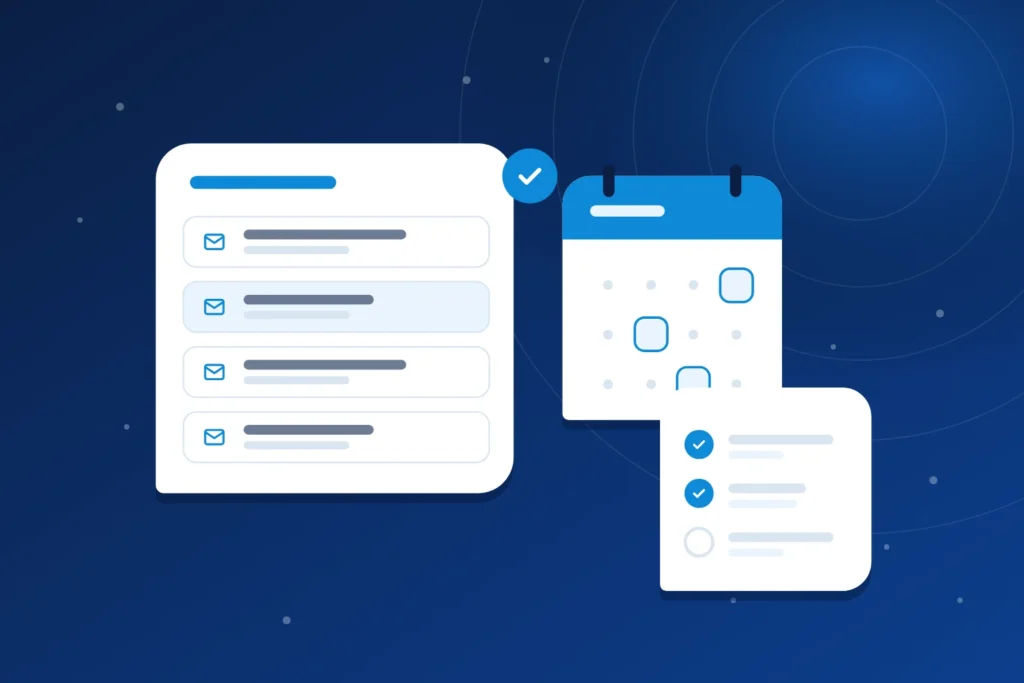
The admin work an assistant takes on
Admin builds up when nobody owns it. These are the jobs a virtual admin assistant picks up, grouped by where they sit in your week.
Inbox and diary
- Email triage. Sorting what needs you from what does not.
- Calendar and meeting booking. Finding times, sending invitations and moving clashes before they become your problem.
- Meeting minutes and reminders. Notes after the call and a nudge before the deadline.
- Document formatting and filing. Putting letters, contracts and reports into one tidy structure, so you can find them.
Data and records
- Data entry. Moving figures from emails, forms and PDFs into the sheet or system where they belong.
- Spreadsheet upkeep. Keeping trackers current, checking totals and fixing the formulas that break.
- CRM and database updates. Logging contacts, notes and status changes after each conversation.
- Checklists and regular reports. Building the weekly checklist once, then producing the same report on schedule.
Follow up and bookings
- Supplier follow up. Chasing quotes, deliveries and invoices that have gone quiet.
- Customer follow up. Confirming appointments and replying to routine questions.
- Order admin. Entering orders, tracking status and updating the people waiting.
- Booking admin. Keeping reservations, appointments and confirmations in step.
Tools
Your assistant works in your own office, email and project tools. Name the ones you use on the call and we match the candidate to them.
What a virtual admin assistant costs
Admin and support is priced per hour by experience, in pounds, for 80 hours a month part time or 160 hours full time. The pricing page lists every role.
| Experience level | Per hour | Part time, 80 hours a month | Full time, 160 hours a month |
|---|---|---|---|
| Beginner (1 to 2 years) | £4.50 | £360 | £720 |
| Intermediate (2 to 4 years) | £6.50 | £520 | £1,040 |
| Expert (4 to 6 years) | £8.50 | £680 | £1,360 |
| Pro (6 to 8 years) | £11.50 | £920 | £1,840 |
A worked example
Illustration, not a quote. You want the inbox and diary handled for 20 hours a week, which is 80 hours a month. At the beginner level, 80 hours at £4.50 an hour comes to £360 a month. At the intermediate level, 80 hours at £6.50 an hour comes to £520 a month. The same work done full time, 160 hours, is £720 and £1,040.
To compare with hiring an employee, read virtual assistant or employee: what each costs, or use the cost calculator.
A call to talk through the work
Is a virtual admin assistant right for you?
A virtual admin assistant suits you if
Another role may suit you better if
- You need diary, travel and confidential papers for a senior leader: a virtual executive assistant.
- Most of the work is answering customers: a customer service virtual assistant.
- The work is finding and chasing leads: a sales virtual assistant.
- You need someone physically in your office: an employee is the better fit.

How to brief a virtual admin assistant
General guidance, not a promise about any one assistant. Admin goes wrong when the rules live only in your head. Write them down before the first day:
- The stream. The one area to start with, usually the inbox.
- The rules. What counts as urgent, who gets a reply the same day, and what waits for the weekly clear out.
- The master record. Which calendar, sheet or CRM wins when two of them disagree.
- Naming and filing. One correctly named file, and the folder it belongs in.
- The stop points. What the assistant asks you about first: sending to a client, paying, deleting.
- Your check. What you will look at, and how often, in the first weeks.
What good admin work leaves behind
A steady admin stream leaves evidence you can inspect: a short list of inbox items that need you, a diary without clashes, spreadsheet totals that match their source, a dated note on each CRM contact and a weekly report in one layout. Check by sampling, for instance ten items a week, and compare with your first week.
Common admin mistakes
- Handing over the inbox with no rules, then correcting every reply by hand.
- Sharing your own login instead of using each tool’s user or delegate access, so nothing shows who did what.
- Leaving personal data out of the conversation. UK GDPR expects a written contract when someone handles personal data for you; see the ICO’s guidance on controllers and processors. General information, not legal advice.

Worked example: a rule set for an inbox
Example only. The business and rules are invented to show the shape of a brief. No real client is described.
A small consultancy hands over its inbox with four rules: acknowledge client emails the same working day, send invoices to the accounts folder and the tracker, file newsletters unread, and flag deadlines and complaints to the owner. Each Friday the owner reads ten sampled items against the rules. When the sample runs clean, the diary becomes the second stream.
What is included
The hourly rate covers the whole service: finding the candidate, the four screening steps below, setting up the platforms and tools your assistant needs for your inbox, diary and records, hours tracked with tools such as Time Doctor, and our management of recruitment, payroll management and quality management. There is no separate recruitment fee.

How hiring works
We start with a free call about the work and the hours you have in mind. We shortlist candidates who have passed our screening, you interview them and you choose. The earliest start is within 48 to 72 hours of choosing a candidate.
Four screening steps before you meet anyone
- CV screening.
- A first interview on personality and the general benchmark criteria.
- A technical interview.
- A practical task, to test the candidate in the field.
Notice, replacement and fees are set out on how it works.
Questions about hiring a virtual admin assistant
What does a virtual admin assistant do?
A virtual admin assistant handles the routine work of running a business remotely: email and diary management, data entry, document filing, follow ups and booking admin. They work in your tools on tasks you hand over. The task list above groups the jobs by inbox, records and follow up.
How many hours does a virtual admin assistant work?
A part time assistant works 20 hours a week, 80 hours a month. A full time assistant works 40 hours a week, 160 hours a month. Hours are tracked with tools such as Time Doctor.
Can a virtual admin assistant use my own software?
Yes. Assistants work in common office, email and project tools, and we match the candidate to the ones you use. Name them on the call. If you want to know how access to your accounts is handled, read about data protection.
Which admin tasks should I hand over first?
Start with the stream that costs you the most time, usually the inbox or the diary. Once it runs without you, add data entry, then follow up. The assistant learns your folders, naming and habits one stream at a time, and you see the result before you add more.
Does hiring a virtual assistant need a data protection contract?
If the assistant handles personal data on your behalf, UK GDPR expects a written contract with minimum terms, such as acting only on your instructions and keeping data confidential. Ask any provider how this is covered. Read about data protection for how we describe it. This is not legal advice.
How much does a virtual admin assistant cost?
At the beginner level the Admin and support rate is £4.50 an hour, which is £360 a month part time and £720 full time. Rates rise with experience. The pricing page shows every role and level.
Related roles
Admin work sits beside other roles. See the real estate virtual assistant, ecommerce virtual assistant and recruitment virtual assistant pages for sector examples, or browse all virtual assistant roles.
Get started
Prefer to write? Send an enquiry.
Tell us the role and the hours you have in mind, and we will reply to the email address you give.