

Web and software
Hire a WordPress virtual assistant to look after your site
A WordPress virtual assistant looks after a site that already runs on WordPress: updates and fixes, plugin and content upkeep, forms, and WooCommerce set-up. They work at the Web and software dev rate, from £8.00 an hour. We find the candidate and run four screening steps.
- Four screening steps before you meet a candidate
- Hours tracked
- Earliest start within 48 to 72 hours of choosing a candidate
What a WordPress assistant does
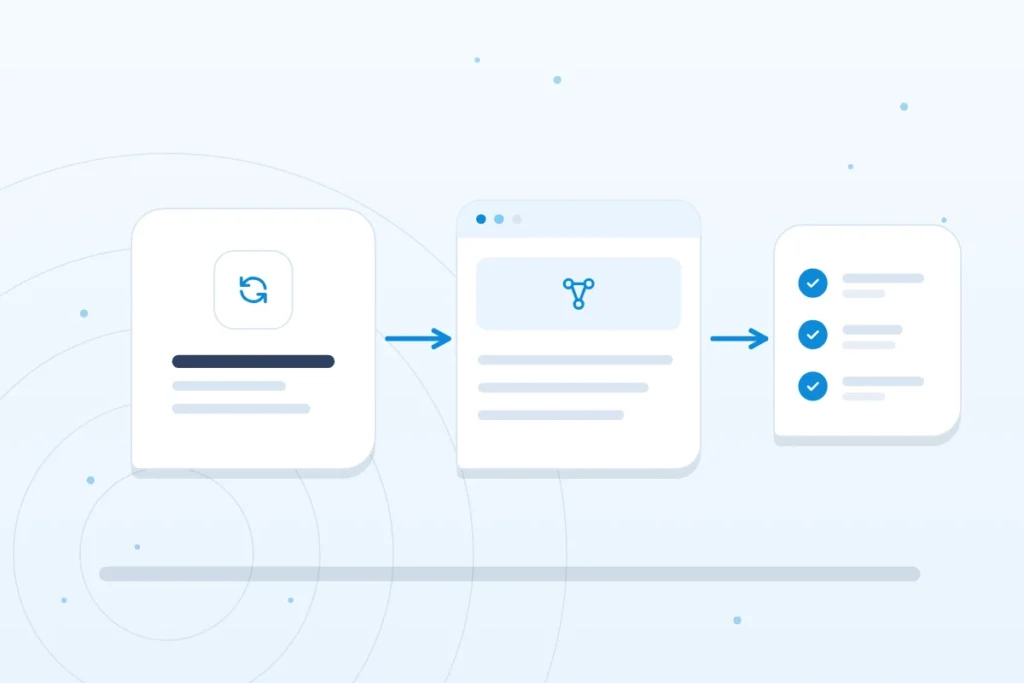
The role is upkeep and improvement of a live site, in three parts.
Build
- Elementor builds. New pages and sections in the Elementor page builder.
- WooCommerce set-up. Adding products, shipping and payment settings to an online shop.
- Plugin and theme work. Installing, configuring and adjusting the plugins and theme you use.
Keep it running
- Updates and bug fixes. Applying WordPress, theme and plugin updates, and correcting what breaks.
- Speed and security. Routine checks to keep the site quick and the software current.
- Backups. Making sure copies of the site are taken and can be restored.
Improve
- Search friendly structure. Page titles, headings and links set up so the site is easy to crawl.
- Forms and integrations. Making enquiry forms work and connecting them to your email or tools.
- Content changes. Editing text, images and prices as the business changes.
Where the assistant stops
This is a virtual assistant lane: upkeep and improvement of a WordPress site you already have. It is not a custom development agency service. For layouts and page design, see the web design virtual assistant.
What a WordPress virtual assistant costs
Web and software dev is priced at its own rate, per hour by experience, in pounds, for 80 hours a month part time or 160 hours full time. The pricing page lists every role.
| Experience level | Per hour | Part time, 80 hours a month | Full time, 160 hours a month |
|---|---|---|---|
| Beginner (1 to 2 years) | £8.00 | £640 | £1,280 |
| Intermediate (2 to 4 years) | £11.00 | £880 | £1,760 |
| Expert (4 to 6 years) | £15.00 | £1,200 | £2,400 |
| Pro (6 to 8 years) | £20.00 | £1,600 | £3,200 |
A rate example
Illustration, not a quote. A site needs weekly updates, fixes and small content changes, which come to 80 hours a month. At the beginner level, 80 hours at £8.00 an hour is £640 a month. At the expert level, 80 hours at £15.00 an hour is £1,200. The same work done full time at the beginner level, 160 hours, is £1,280. Use the cost calculator to try your own hours.
A call to talk through the site
Is a WordPress assistant right for you?
A WordPress assistant suits you if
- Your site runs on WordPress and needs regular updates, fixes and content changes.
- You can give access to the site, ideally with a backup in place.
- You would rather have one person on the site every week than call a developer each time.
Another option may suit you better if
- You need a full custom build: a development agency is the better fit.
- The site is on Wix: a Wix expert.
- You want a developer lane for wider technical work: see the virtual assistant web developer page.
- You want to design new pages: a web design virtual assistant.

What WordPress upkeep should leave behind
General guidance, not a promise about any one assistant. Good upkeep leaves paper behind. Look for an update log with dates and version numbers, a plugin list saying what each plugin does and why it stays, a record that a backup was taken and, ideally, restored as a test, and a note for every fix. These records let you, or the next person, see the state of the site without guessing.
A brief you can copy
- The site. Address, theme, page builder and any shop plugin.
- The host. Who hosts it, and who can restore from backup.
- The access. A named user account for each person, not a shared login.
- The priorities. The five jobs that matter most this month.
- The protected parts. What must not change, such as checkout or form settings.
- The approver. Who agrees changes that affect how the site looks.
What the WordPress project advises
The WordPress hardening guide is a good yardstick for any provider:
- Keep WordPress, themes and plugins current. Older WordPress versions no longer get security fixes.
- Back up the database and files regularly, and keep regular snapshots of the whole site in a separate location you control.
- Delete plugins you do not use, and do not take plugins or themes from sources you do not know.
- Use long, unique passwords and two step authentication, and avoid the username “admin”.

Before and after an update
Example only. A routine you can ask any provider to follow. It is invented guidance and names no client.
Before: confirm a recent backup exists and note the current version numbers. Update in small groups, not everything at once. After: open the home page, send a test form, and, on a shop, complete a test order. Record what changed and when. If something breaks, restore and report.
How the work is measured
Count outdated plugins, days since the last tested backup, forms that deliver and pages that load. For speed, Google’s good thresholds are loading within 2.5 seconds, interaction response of 200 milliseconds or less and a layout shift score of 0.1 or less.
Common mistakes
- Updating everything on the live site with no backup.
- Sharing one admin login among several people.
- Keeping abandoned plugins.
- Never testing a restore.
- Editing theme files directly, which updates will overwrite.
Questions to ask any WordPress provider
- How do you take and test backups?
- Will each person have a named account, and how is it removed?
- What do you do before and after an update?
- Where do you keep the log of changes?
What is included
The hourly rate covers the whole service: finding the candidate, the four screening steps below, setting up the platforms and tools your assistant needs for your site, hours tracked with tools such as Time Doctor, and our management of recruitment, payroll management and quality management. There is no separate recruitment fee.

How hiring works
We start with a free call about the work and the hours you have in mind. We shortlist candidates who have passed our screening, you interview them and you choose. The earliest start is within 48 to 72 hours of choosing a candidate.
Four screening steps before you meet anyone
- CV screening.
- A first interview on personality and the general benchmark criteria.
- A technical interview.
- A practical task, to test the candidate in the field.
Notice, replacement and fees are set out on how it works.

Questions about hiring a WordPress assistant
What does a WordPress virtual assistant do?
A WordPress virtual assistant keeps a live site up to date and working: updates, bug fixes, backups, forms and content changes, plus Elementor pages and WooCommerce set-up. The task list above groups the jobs.
Can a virtual assistant build or maintain a WordPress website?
They can maintain and improve one, and build pages in Elementor. For a full custom build from scratch, a development agency is the better route. Tell us what you need on the call.
Can they work on an existing site?
Yes. The assistant works on the site you already have: updates, fixes, forms and content. Tell us what the site runs on and what needs doing, and we match the candidate to it.
What do I need to give a WordPress assistant?
Access to the site and a list of what needs doing. A recent backup is the sensible starting point, and checking that backups are taken and can be restored is part of the role.
How often should a WordPress site be updated?
Keep WordPress, themes and plugins current, and apply security updates promptly. The WordPress project warns that older versions no longer get security fixes. Update in small groups after taking a backup, then check the site.
How do I know my WordPress backup works?
Only a restore proves it. A backup file shows that something was saved, not that it will rebuild the site. Ask for a restore test on a copy of the site and a note of the date, and keep regular snapshots in a separate location you control.
How much does a WordPress virtual assistant cost?
At the beginner level the Web and software dev rate is £8.00 an hour, which is £640 a month part time and £1,280 full time. Rates rise with experience. The pricing page shows every role and level.
Related roles
WordPress is one of the CMS experts. For a site on Wix, see the Wix expert, or read how to delegate to a virtual assistant.
Get started
Prefer to write? Send an enquiry.
Tell us the role and the hours you have in mind, and we will reply to the email address you give.