AI automation specialist
For a repeat process that moves information between several apps, built and maintained in tools such as n8n, Zapier and Make.

Admin and support
Personal VAAdmin and support VAExecutive assistantCustomer supportSales assistantData analystMarketing
Digital marketingSEOSocial mediaPaid adsContent creatorCopywriterEmail marketerDesign and video
Graphic designVideo editorAnimatorsFigma designersWebsite designWeb and software
Web developersCMS expertsWordPressShopifyWixAI specialists
AI specialists hubAI automation specialistAI developerAI video editor
An AI specialist, on this site, is a person you hire to work with AI tools: building automations, connecting systems or editing video with AI help. You pay by the hour, and we run recruitment, payroll management and quality management. This page helps you choose between three roles and scope the task before you hire.
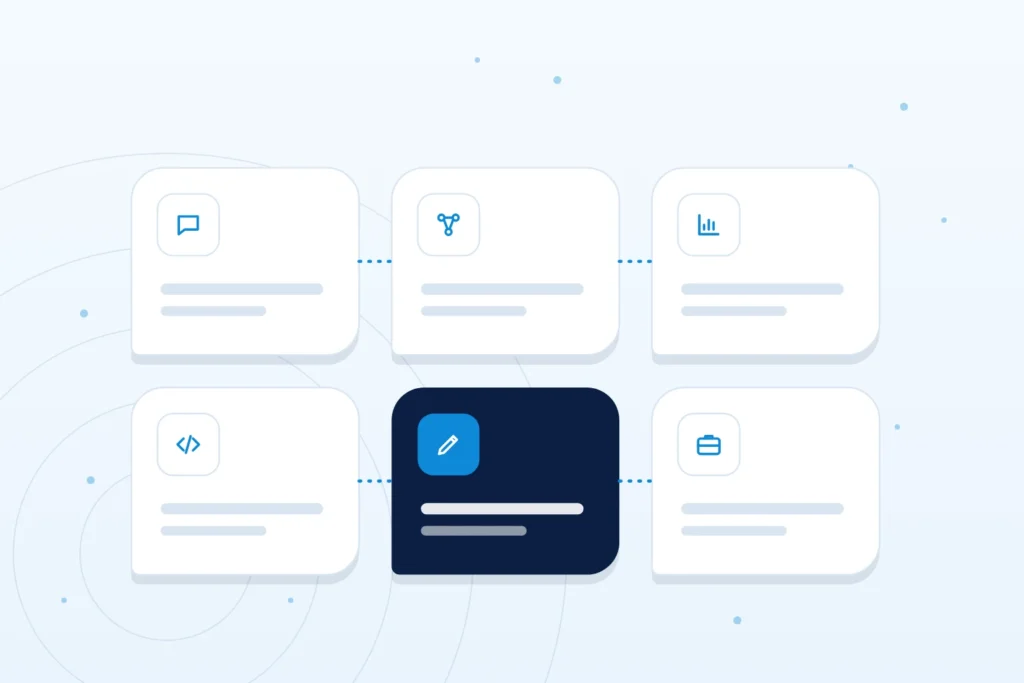
An AI specialist builds or runs something with AI tools for your business. That might be a workflow that moves information between apps, a custom assistant or internal tool, or video edited with AI help. You direct the work, and you decide who checks the result.
It is a hiring service. Nobody designs an AI programme for you, and the roles are not a software subscription. The page makes no claim about how much faster any tool makes the work. Three roles sit beneath this page.
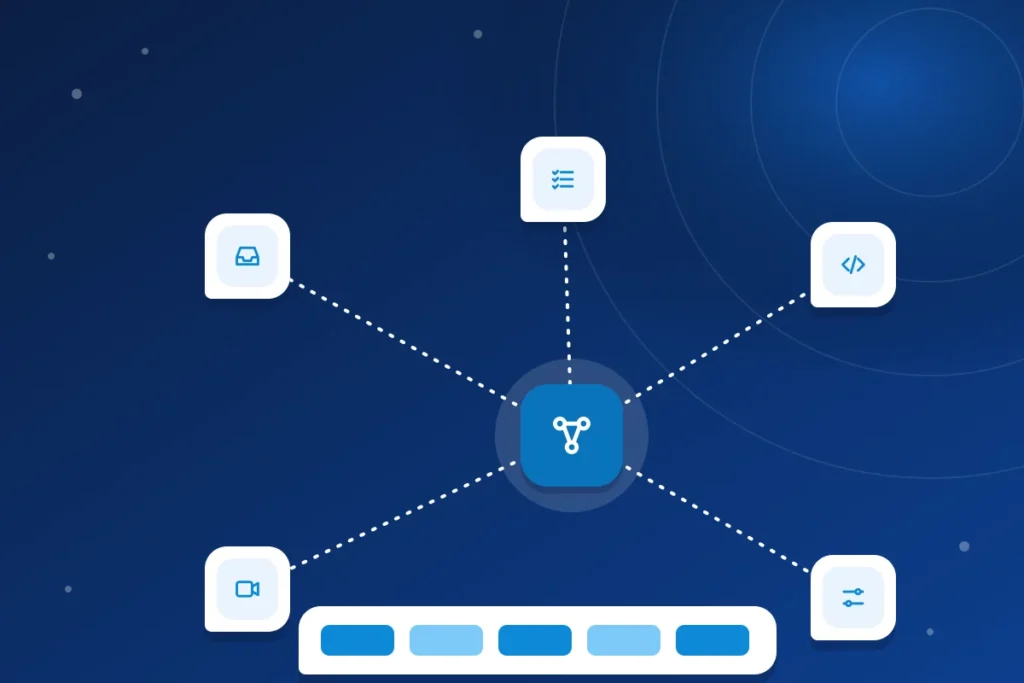
For a repeat process that moves information between several apps, built and maintained in tools such as n8n, Zapier and Make.
For something specific to your business: a custom assistant, an integration or an internal tool.
For video that needs fast edits, captions and repurposed cuts, where tools speed up the repeat steps and every video is reviewed by a person.
Answer the question in the first column to find the role.
| If your answer is yes | Role | You bring | Probably not for |
|---|---|---|---|
| Do you have a repeat process that moves information between several apps? | AI automation specialist | The trigger, the apps involved and the steps, written down | A task that needs a decision each time |
| Do you need a custom assistant, integration or internal tool? | AI developer | The problem in one sentence, the data and a test you can run | A repeat process that an existing tool already handles |
| Do you produce video that needs fast edits, captions or repurposed cuts? | AI video editor | The footage and a brief on style and tone | Work that needs creative direction from scratch |
The three roles overlap less than the names suggest. An automation specialist connects tools that already exist. A developer builds something that does not exist yet. A video editor produces edited footage. If you are unsure which you need, describe the outcome you want on a free call and we will say which role fits.
Not sure which tool to build with? Read n8n vs Zapier. Not sure the task should be automated at all? The automation savings calculator shows the time at stake.
This is general guidance, not a promise about any tool or person.
A task usually suits automation when:
A task usually does not suit it when each case needs judgement, the input arrives in a different shape every time, a mistake would be costly and nobody would check, or the process changes every week. In those cases a virtual assistant is often the better fit, and the two work together well: a tool handles the repeat steps and a person checks the output. The virtual assistant or AI comparison sets out where each one fits.
AI tools can produce wrong or inconsistent output, so every workflow needs a named person who checks it and a way to stop it. For anything a customer will see, check a sample every week at first. How much review is enough depends on what a mistake would cost, which is why the scoping table below asks you to decide.
Whatever you build, test it on one real example before you rely on it. Pick a case where you know the right answer, run it through, and compare.
A clear scope saves hours. Copy this table and fill in a line for each task you want built.
| Question | Why it matters | Your answer |
|---|---|---|
| What is the problem, in one sentence? | A specialist cannot build against a vague goal | |
| What data goes in, and where does it live? | Clean, consistent input makes automation reliable | |
| Which tools and accounts need access? | Access should cover only what the task needs | |
| What does a mistake cost, and who checks the output? | Decides how much review the workflow needs | |
| Who owns the result and keeps it running? | Workflows need maintenance after the build | |
| How will you know it works? | A test you can run on a real example |
We do not offer an agency or consultancy service that designs an AI programme for you. This is a hiring service: you hire a person, direct the work and pay by the hour. The page makes no claim about how much faster any tool makes the work.
Every candidate goes through four steps before you meet them, in this order: CV screening, a first interview on personality and general benchmark criteria, a technical interview, and a practical task. You pay an hourly rate. A full time assistant is 160 hours a month and a part time assistant is 80, and recruitment, payroll management and quality management are included, with no separate recruitment fee.
Rates for the AI roles are not listed here. Book a free call to ask, or see pricing and the cost calculator for the roles with published rates.
Scope the task first, using the checklist above. Then book a free call and describe it. We put forward candidates who have passed four screening steps: CV screening, a first interview, a technical interview and a practical task. You interview them and choose. The earliest start is within 48 to 72 hours of choosing a candidate.
A virtual assistant takes on tasks you hand over, such as admin, marketing, design or site upkeep. An AI specialist works with AI tools: building automations, connecting systems or editing with AI help. Both are hired by the hour through us. If your task is routine office work, start with a virtual assistant role. If it is a build, start here.
The automation specialist page names n8n, Zapier and Make. Which one fits depends on the work and on how you want to pay for it. The n8n vs Zapier guide explains how each one counts and charges, and says when neither is the answer. Say which tools you already use on the call.
Decide that before the work starts. The scoping table above asks who owns the result and keeps it running. A sensible habit is to hold the accounts yourself, give the specialist only the access the task needs, and ask for a plain written description of each workflow so someone else could maintain it.
Check whether the steps are the same every time and whether a person can check the result quickly. Then compare the time at stake with the cost of building and maintaining it. The automation savings calculator lets you put in your own figures, and a free call lets you ask what is realistic.
Get started
Book a discovery call or send a few details. We will talk through the work, then shortlist the people who suit it.