

Customer support
Hire a customer service virtual assistant for email, chat and tickets
A customer service virtual assistant answers your customer emails, chat messages and support tickets in a consistent tone, using saved replies and rules you set. Rates start from about £6.50 an hour at the beginner level, rising with experience. We find the candidate and run four screening steps.

Before you start
- Four screening steps before you meet a candidate
- Hours tracked
- Earliest start within 48 to 72 hours of choosing a candidate
The support work an assistant takes on
Customer questions arrive all day and most of them have been asked before. A support assistant takes the repeat questions off your desk, keeps the queue in order and brings you the few that need a decision.
- Answering customer emails. Replies written from your saved answers and your policies, in your tone.
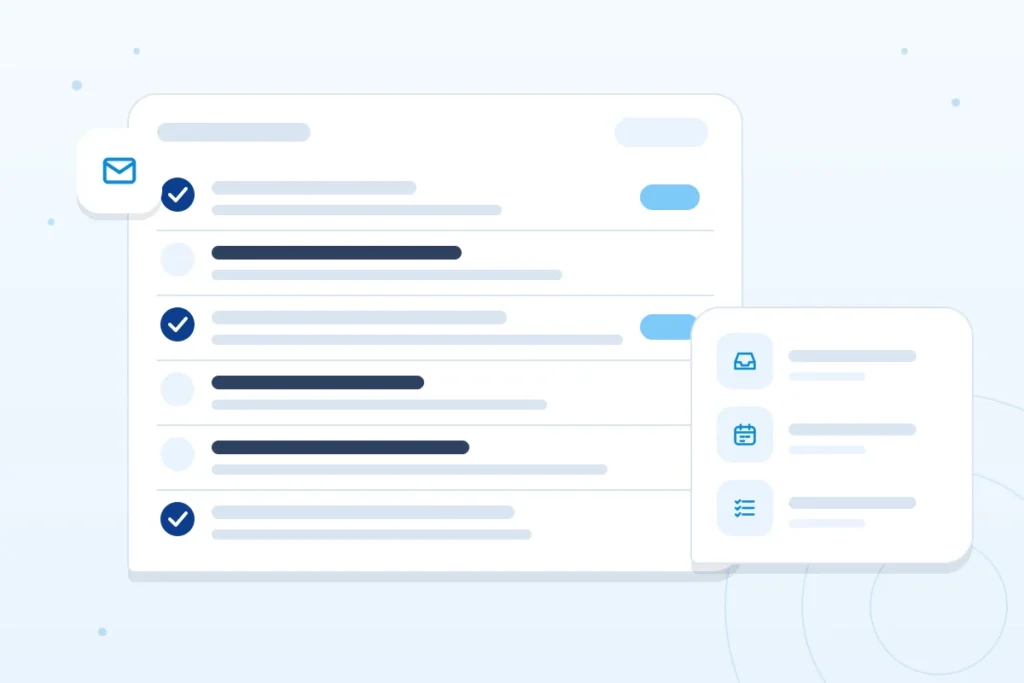
- Sorting the shared inbox. Messages labelled by type, sent to the right person and kept out of the pile.
- Following up. Chasing open threads so a question does not go quiet.
Chat and tickets
- Replying to chat messages. Short, clear answers to the questions your site visitors ask most.
- Ticket triage. Each ticket labelled by type and urgency, simple ones answered, the rest passed on with the details gathered.
- Clear history. Notes on each ticket so anyone can pick it up without asking the customer again.
Keeping support in order
- A saved replies library. The answers you give often, written once and kept current.
- Help article upkeep. Updating your FAQ page when a policy or a price changes.
- A summary of what customers asked. The questions that came up, grouped by topic, so you can see what to fix upstream.
Where the assistant stops
This role is written support: email, chat and tickets. Decisions that carry money or risk, such as an exception to a refund rule or a legal complaint, stay with you. For selling, see the sales virtual assistant. For inbox, diary and booking work beyond customer questions, see the admin and support virtual assistant.

Other tasks this role covers
- Knowledge base upkeep
- Help-centre articles
- FAQ updates from real tickets
- Onboarding emails
- Monitoring and answering reviews
- Collecting feedback after delivery
- Reporting recurring problems
- Tagging and prioritising tickets
- Follow-ups on open cases
- Templates and tone matched to your brand
Tools
Support teams commonly work in a shared inbox, a helpdesk such as Zendesk, Freshdesk or Help Scout, or a chat tool on the website. Tell us what you use and we match the candidate to it.
What a customer service virtual assistant costs
This role is priced per hour by experience, in pounds. A beginner level assistant starts from about £6.50 an hour, and the rate rises with experience. Part time is 20 hours a week and full time is 40. The pricing page lists the published roles, and the cost calculator lets you try your own hours.
A call to talk through your queue
Is a customer service assistant right for you?
A customer service assistant suits you if
- Customers ask the same questions by email or chat, and the answers are already written down or easy to write.
- Replies are slow because the person who knows the answers is busy with other work.
- You want a steady tone and a record of what was said.
Another role may suit you better if
- Your main need is chasing leads and building lists: a sales virtual assistant.
- You want help with your diary, bookings and data entry as well: an admin and support virtual assistant.
- The work is personal errands and travel: a personal virtual assistant.
- You run a recruitment business and field candidate questions: the recruitment virtual assistant page.
- You want one person for a full week: the full time virtual assistant.

What you should receive
General guidance, not a promise about any one assistant. Whoever answers your customers, you should be able to see four things: replies sent, tickets still open with the reason, anything passed to you with the details gathered, and a short summary of the questions customers asked, grouped by topic. Ask for it weekly. The summary is where you find the problem upstream, such as a confusing delivery page.
A support playbook to start from
An assistant can only answer the way you would if you have written down how you answer. These five documents are enough to begin.
| Document | What it holds | Who writes it |
|---|---|---|
| Tone guide | Words to use and avoid, how formal to be, how to sign off | You, with examples of replies you like |
| Refund and returns rules | What can be agreed alone and what needs you | You |
| Escalation list | Who handles what, and how to reach them | You |
| Saved replies | Your most common answers, ready to adapt | The assistant drafts, you approve |
| FAQs | Short answers to what customers ask most | The assistant drafts, you approve |
Escalation rules, written down
Decide in advance what the assistant does and what comes to you.
| Situation | The assistant | Passes to you |
|---|---|---|
| A routine question with a written answer | Replies using the saved answer | Nothing |
| A refund or exception outside your rules | Gathers the details and says it is being checked | The decision |
| A customer who is upset | Acknowledges the problem and does not argue | The case, if it is not settled in one reply |
| A complaint that mentions a lawyer or a regulator | Sends no promise or admission | Immediately |
| A request from someone for the personal data you hold on them | Passes it on the same day | Immediately, because a legal clock is running |
The last row matters. The ICO says you must respond to a subject access request without undue delay and at the latest within one month of receiving it, counting from the day it arrives. Staff who read your inbox need to know to pass such a request on.

How the work is measured
Pick a few figures and keep them the same each month. First response time is how long a customer waits for the first reply. Resolution time is how long until the issue is closed. Reopened tickets show answers that did not settle the matter. A customer satisfaction score from a short survey of your own shows how replies landed. Set your own targets: this page gives no benchmark, because the right figure depends on your product and your customers.

Quality checks before a reply goes out
- The first sentence answers the question that was asked.
- The name, order number and dates are right.
- The answer matches the current policy, not last year’s.
- The tone matches the guide.
- Sentences are short. GOV.UK writing guidance suggests splitting sentences over 25 words, using the active voice and avoiding jargon.

Common mistakes
- No refund rules, so every case lands on you.
- Saved replies that read like a form letter and are sent unchanged.
- No escalation list, so nobody knows who decides.
- Treating a request for personal data as an ordinary question.
- No notes on the ticket, so the customer repeats the story.
Worked example: a late order
Example only. The shop and the message are invented to show the difference in tone. A customer writes: “Where is my order? It is a week late and I am fed up.” A weak reply says: “We apologise for any inconvenience. Please allow 3 to 5 working days.” A better one says: “I am sorry, a week is too long to wait. I have checked your order and the carrier shows it as delayed. I will chase it today and write to you again by tomorrow evening with an update.” The second reply answers, owns the next step and gives a time. That only works if the sender knows what the shop allows.

Questions to ask any support provider
- Which hours will someone be answering, and what happens outside them?
- How are replies checked before they go out, and who sees the customer’s details?
- What passes to me, how quickly, and by which route?
- Where is the customer data held, and who else can open it? Our security and data protection page sets out what we publish about data.

What is included
The hourly rate covers the whole service: finding the candidate, the four screening steps below, setting up the support platforms and tools your assistant needs, hours tracked with tools such as Time Doctor, and our management of recruitment, payroll management and quality management. There is no separate recruitment fee.
How hiring works
We start with a free call about the work and the hours you have in mind. We shortlist candidates who have passed our screening, you interview them and you choose. The earliest start is within 48 to 72 hours of choosing a candidate.
Four screening steps before you meet anyone
- CV screening.
- A first interview on personality and the general benchmark criteria.
- A technical interview.
- A practical task, to test the candidate in the field.
Notice, replacement and fees
- In the first 3 months, you can end an unsuitable hire on one week’s notice.
- In the first days, you can tell us it is not right and we will replace them.
- After the first 3 months, the notice period is 1 month.
- Replacement is included in the ongoing fee for as long as you are paying, at no extra charge.
The full terms are set out on how it works.
Questions about hiring a customer service assistant
Can a virtual assistant handle customer emails and chat?
Yes. A customer service virtual assistant answers customer emails, chat messages and tickets from the saved answers and rules you give them, and passes anything that needs a decision to you. The work is written support. You choose the tools, and we match the candidate to them.
What happens if a customer is upset?
The assistant acknowledges the problem, stays calm and follows the escalation list you write. Anything that needs a decision, such as a refund outside your rules, comes to you with the details gathered. The escalation table above shows a starting point.
Does a customer service assistant cover evenings and weekends?
This page makes no promise about cover hours or response times. A part time hire is 20 hours a week and a full time hire is 40, and the hours you need are something to settle on the free call. Say when your customers write and we can talk through what is realistic.
Related roles
Browse the admin and support virtual assistant, the sales virtual assistant or all virtual assistant roles. If you want a full week of one person’s time, see the full time virtual assistant.
Get started
Prefer to write? Send an enquiry.
Tell us the role and the hours you have in mind, and we will reply to the email address you give.