
Figma design
Hire a Figma designer for screens, prototypes and developer handoff
A Figma designer draws the screens of a website or app before anyone builds it, links them into clickable prototypes and prepares the files for your developer. They work in Figma, from about £6.50 an hour at the beginner level, rising with experience. We find the candidate and run four screening steps.
- Four screening steps before you meet a candidate
- Hours tracked
- Earliest start within 48 to 72 hours of choosing a candidate
The Figma work a designer takes on
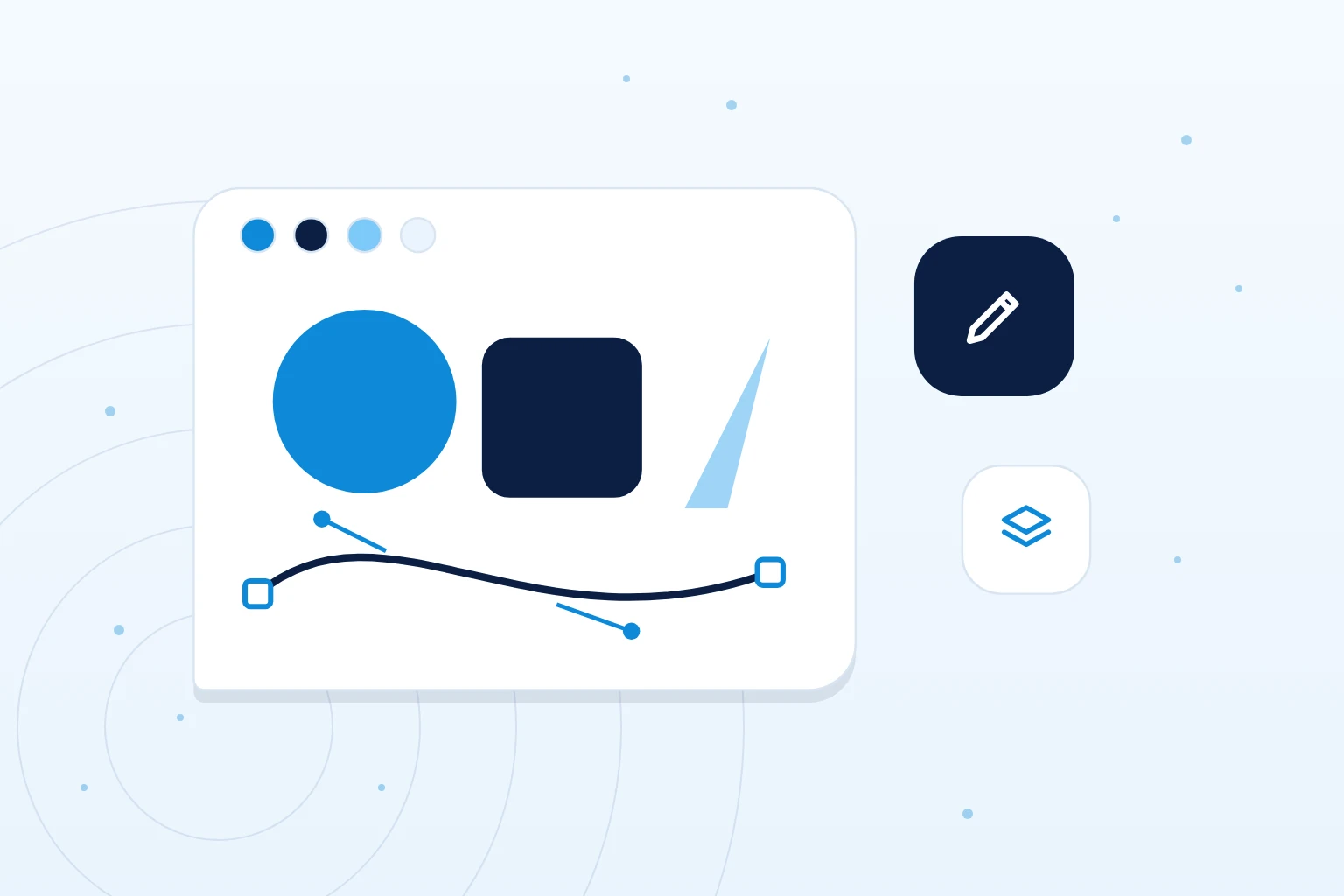
A Figma designer puts the decisions about each screen into files that you and your developer can react to before any code is written.
Screens and flows
- Screen layouts. Web pages and app screens drawn at the sizes your users have, from a phone to a desktop.
- Wireframes. Plain layouts that settle structure and content order before colour and detail.
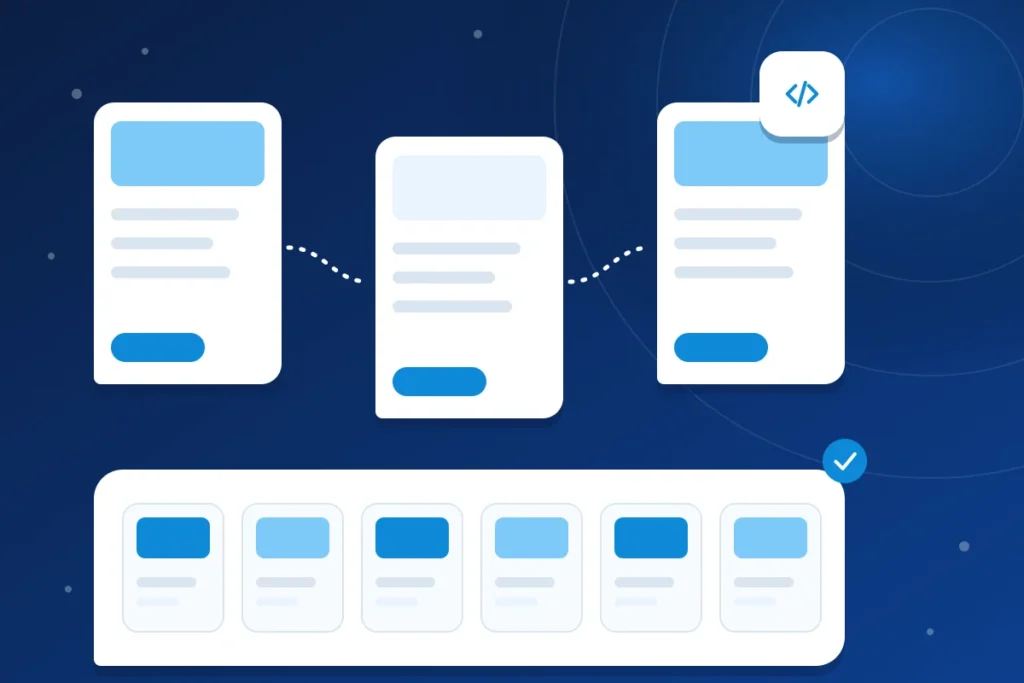
- Clickable prototypes. Screens linked together so you can click through a flow, such as sign up or checkout, and judge it before it is built.
Design systems
- Components. Buttons, form fields, cards and menus built once, with their states, and reused on every screen.
- Styles and variables. Colours, type sizes and spacing held in one place, so a change is made once.
- File upkeep. Pages, frames and layers named and ordered, and old versions retired, so the file stays usable.
Handoff to developers
- Specs and notes. Spacing, sizes, states and behaviour written next to the screen, so a developer does not have to guess.
- Exports. Icons and images prepared in the formats your developer asks for.
- Ready for development. Final frames marked as ready, so the developer knows which screens to build from.
Where the designer stops
A Figma designer produces design files and handoff notes. They do not write front end code. If you want pages built in WordPress or Elementor, see the web design virtual assistant. For logos, decks and social graphics, see the graphic design virtual assistant.
Tools
Figma is the tool this role is about. Tell us whether your files sit in a team workspace, who needs edit access and which tools your developers use for comments or tickets, and we match the candidate to them.
What a Figma designer costs
The rate for this role starts from about £6.50 an hour at the beginner level and rises with experience and skill set. The pricing page lists the roles with set rates. The fee is billed monthly, and we confirm the exact price in writing before you commit.
A worked example
Illustration, not a quote. A founder wants the sign up flow and a starter set of components for a booking app, which they estimate at 80 hours a month. At about £6.50 an hour, 80 hours comes to about £520 a month. The same work at 160 hours comes to about £1,040. A more experienced designer costs more per hour, so the price we confirm in writing is the one that counts.
Use the cost calculator to try your own hours.
A call to talk through the work
Is a Figma designer right for you?
A Figma designer suits you if
- You have a website or app idea and want to see it on screen before paying for development.
- Your developer is waiting for clear screens and notes to build from.
- You want a set of components that keeps new screens consistent.
- You can describe the users and what each flow must let them do.
Another role may suit you better if
- You need pages built and kept up to date on your site: a web design virtual assistant.
- The work is logos, decks and social graphics: a graphic design virtual assistant.
- Your site runs on Wix: a Wix designer.
- The work is moving images: a video editor virtual assistant.

What you should receive from a Figma designer
General guidance, not a promise about any one designer. Ask for the Figma file itself, not only exported pictures. It should have a page for each flow, a page for components, frame names a stranger could follow, a prototype link and a short note saying which screens are final. Keep the file in a workspace you own, so the work stays with you.
An interface brief you can copy
| Brief item | What to write |
|---|---|
| Users | Who uses it, on which devices, and what they want to get done. |
| Goal | The one thing each flow must let a person do. |
| Screens | The list of screens, including empty, loading and error versions. |
| Flows | The path between screens, from first click to done. |
| Components | Parts that repeat, such as buttons, form fields and cards. |
| Brand | Logo, colours, fonts and two examples you like. |
| Handoff | How your developer wants the file: naming, exports and notes. |
| Limits | The deadline, the number of review rounds and who decides when it is done. |
How interface design is measured
Judge the work against things you can check. Can someone who has not seen the design finish the main task in the prototype without help? Does text meet the contrast ratios in the W3C’s guidance on contrast (minimum), which asks for at least 4.5 to 1 for normal text and at least 3 to 1 for large text? Does a new screen reuse existing components instead of adding one-off shapes? After handoff, count the questions your developer asks per screen. Fewer questions suggest the notes are clear.

Checks before handoff
- Every component shows its states: default, hover, focus, disabled and error.
- Text and background colours meet the contrast ratios above.
- Pages, frames and layers have names that make sense to someone new.
- Spacing and sizes come from the file’s styles, not from one-off numbers.
- The words are final, not placeholder text.
- Final frames are marked ready for development. Figma’s Dev Mode guide describes statuses that track when frames are ready, and an inspect panel that shows design specs to developers.

Common mistakes
- Drawing screens before agreeing the flows, then redrawing them.
- Designing only the ideal path and skipping empty, loading and error states.
- Keeping the files in the designer’s own account, so you lose access when the work ends.
- Agreeing nothing about ownership. GOV.UK says the creator is the first owner of copyright unless you agree otherwise in writing, and a commissioner may only get a limited licence; see ownership of copyright works. General information, not legal advice.
Worked example: a sign up flow brief
Example only. The product and details are invented to show the shape of a brief. No real client is described.
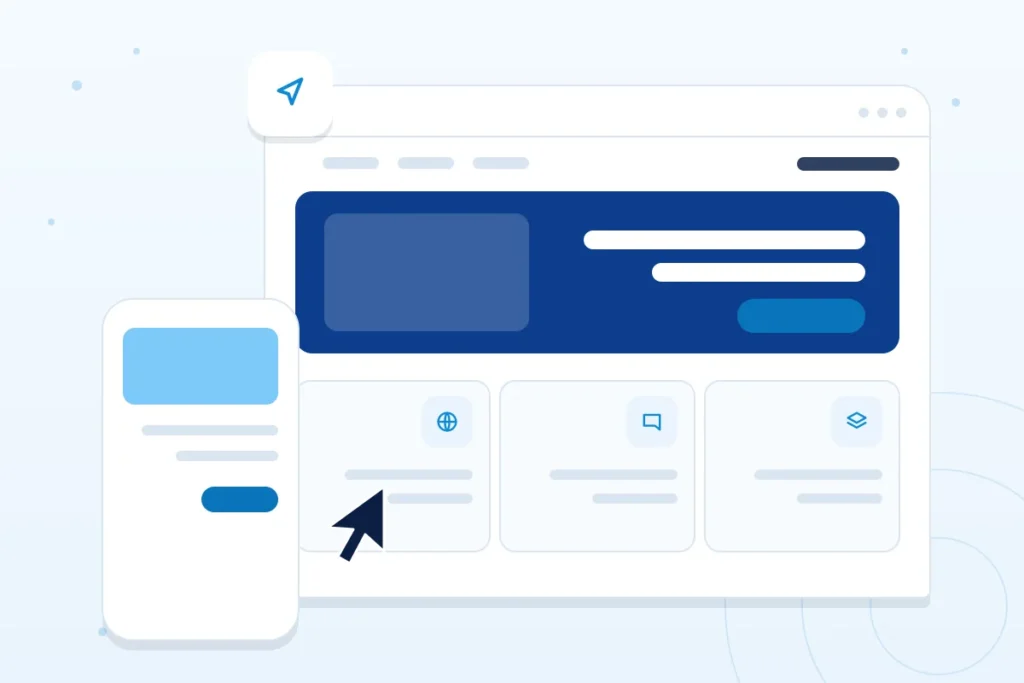
A small company wants a sign up flow for a booking app. The brief names the user (a first time customer on a phone), the goal (create an account and make a first booking), six screens including an error for a wrong code, and eight starter components. The owner clicks through the prototype on a phone and sends one list of changes. The developer receives the file once the final frames are marked ready.

Questions to ask any interface design provider
- Who owns the Figma files and the finished designs, and will they sit in my workspace?
- How will components and styles be organised so my developer can reuse them?
- Which states of each screen will you draw, and which will you leave to us?
- How will you document the handoff, and who answers my developer’s questions?
- How many review rounds are expected, and who decides when the work is done?

What is included
The hourly rate covers the whole service: finding the candidate, the four screening steps below, setting up the platforms and tools your assistant needs for the files, comments and handoff, hours tracked with tools such as Time Doctor, and our management of recruitment, payroll management and quality management. There is no separate recruitment fee.

How hiring works
We start with a free call about the work and the hours you have in mind. We shortlist candidates who have passed our screening, you interview them and you choose. The earliest start is within 48 to 72 hours of choosing a candidate.
Four screening steps before you meet anyone
- CV screening.
- A first interview on personality and the general benchmark criteria.
- A technical interview.
- A practical task, to test the candidate in the field.
Notice and replacement
In the first 3 months you can end an unsuitable hire on one week’s notice. In the first days you can tell us it is not right and we will replace them. After the first 3 months, notice is 1 month. Replacement is included in the ongoing fee for as long as you are paying, at no extra charge. The 3 months is not a minimum term. The full terms are on how it works.
Questions about hiring a Figma designer
What does a Figma designer do for a small business?
A Figma designer plans and draws the screens of a website or app before anyone builds it. They produce layouts, clickable prototypes and reusable components, then prepare the files so a developer can build from them. For a small business, that means agreeing what the product looks like and how it behaves on screen before paying for development.
How much does a Figma designer cost per hour?
A Figma designer starts from about £6.50 an hour at the beginner level. That is about £520 a month part time at 80 hours and about £1,040 full time at 160 hours. The rate rises with experience and skill set, and we confirm the exact price in writing before you commit. The pricing page lists the roles with set rates.
Can the designer also build the site?
No. In this role a Figma designer produces design files and handoff notes, not a built website. To have pages built, read about the web design virtual assistant, which covers building as well as layout, or hand the files to your own developer. For a full week of one person's time, see the full time virtual assistant page.
Related roles
See the web design virtual assistant, the graphic design virtual assistant and the Wix designer pages, or browse all virtual assistant roles.
Get started
Prefer to write? Send an enquiry.
Tell us the role and the hours you have in mind, and we will reply to the email address you give.