

Compare
Virtual assistant or AI: where each one fits
AI tools are quick at routine, rule based tasks and need review. A virtual assistant brings judgement, context and a relationship with your clients, and needs managing. Many tasks suit both: AI handles the repeat steps and a person checks the output and handles the rest.
Side by side
The differences at a glance
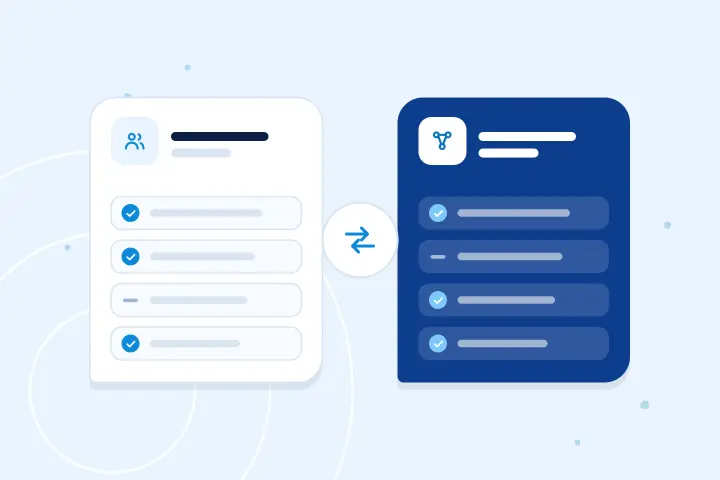
| Virtual assistant | AI tools | |
|---|---|---|
| Strengths | Judgement, context, handling varied work | Speed on repeat, rule based tasks |
| Setup | Recruitment, interviews and onboarding | Building, connecting and testing |
| Risk | Needs clear tasks and management | Errors if nobody reviews the output |
| Suits | Varied, people facing work, tasks that change | Repeat steps that follow the same rules |
| Cost | Hourly rate for a set number of hours a month (see pricing) | Software subscriptions plus the time to set up and maintain |
When each fits
When to use a person, when to use AI
Use a person for
- Replies to clients where tone and context matter.
- Work that changes from day to day and has no fixed steps.
- Tasks that need a decision, such as what to prioritise.
Use AI for
- Repeat tasks that follow the same steps each time, such as moving data between tools.
- First drafts and summaries that a person will check.
- Sorting and tagging at a volume that is slow by hand.
Use both when
A task has a repeat part and a judgement part. For example, a workflow can pull the details from enquiries into a sheet, and a person reads them, decides what to do and replies.
Worked example
A worked example, with made up numbers

This is an example with assumed figures, not a result and not a claim about how much any workflow saves. Change the figures to match your own.
Take a weekly report. Assume it takes 2 hours by hand:
| Step | Minutes by hand | Who does it with a workflow |
|---|---|---|
| Gather the figures from three tools | 60 | The workflow |
| Put them into the report template | 30 | The workflow |
| Check the numbers and send it with a note | 30 | A person |
| Total | 120 | Workflow 90, person 30 |
On those assumptions the workflow takes 90 minutes of work off the person every week. Over 48 weeks that is 72 hours. At the beginner admin and support rate of £4.50 an hour (see pricing), 72 hours is about £324 a year on those assumed times.
The point of the sum is the second half. A workflow has to be built, tested and kept working, and its software has a subscription. If building and maintaining it costs more than the work it takes over, it does not pay. It tends to pay when a task is repeated often, follows the same steps and takes real time each round. For a short task done now and then, a person is usually the simpler answer.
Checklist
Five questions before you automate a task

- Does the task follow the same steps every time?
- Is it repeated at least weekly?
- Is the input clean, such as a form, a sheet or a standard email?
- Would a mistake be cheap to catch, or does a person check the output before it goes out?
- Would the time saved over a year be more than the cost of building and maintaining the workflow?
Mostly yes: the task is a candidate for a workflow. Mostly no: it is better handed to a person.
Free tool
Run your own numbers
The tools people use
Tools such as n8n, Zapier and Make connect your apps and move data between them without anyone retyping it. Chat assistants can draft and summarise. Each needs setting up, testing and watching, and each can get things wrong if nobody reviews the output.
Test it with your own numbers
Try our time saving calculator on one task, and the automation savings calculator on another. Every default in the calculators is an example, not a result.
If you want someone to build the workflow, our AI and automation specialists build and maintain automations and AI workflows. If you want a person to do the work, see a full time virtual assistant.

Questions
Will AI replace virtual assistants?
AI is already taking over some routine tasks, and that will change what an assistant spends time on. Work that needs judgement, context and a relationship with your clients still needs a person. Nobody can say how fast that line will move, so treat any confident forecast with caution.
Where do I start with AI in my business?
List the tasks you repeat each week and note how long each takes. Pick one that follows the same steps every time, and test it with the time saving calculator. If you want it built, talk to our AI specialists.
Is a virtual assistant or AI cheaper?
It depends on the task. AI tools cost a subscription and the time to set up and review them. A virtual assistant costs an hourly rate for a set number of hours a month, shown on the pricing page. For repeat, rule based work AI may cost less per task. For varied work, a person is often the only option.
Get started
Prefer to write? Send an enquiry.
Tell us about the work. We will reply to the email address you give.