

Free tool
Virtual assistant job description generator
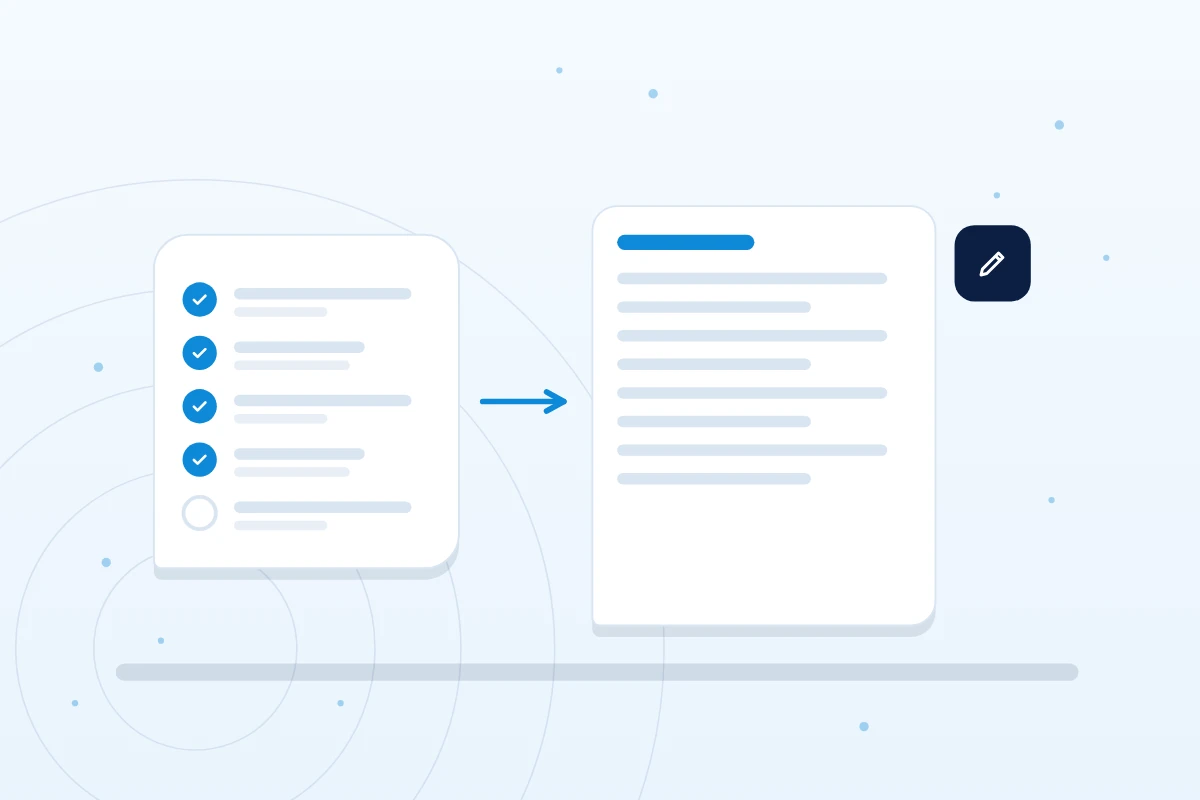
Tick the tasks you want to hand over and get a draft job description for a virtual assistant. Copy it, edit it and use it wherever you hire. Then see what the same hours cost with us.
What it gives you
- A draft built from the tasks you tick
- Hours, level and reporting rhythm filled in
- Plain text you copy, with nothing stored or sent
- The monthly cost of the same hours, from our published rates
Rates follow the role and level, not the sector.
Why use it
A first draft in a minute
A clear job description saves time for you and for whoever does the work. When the tasks, the hours and the way you want to hear back are written down, the right person can say yes or no quickly. The generator turns your ticks into a draft you can edit.
It lists the tasks you chose and leaves square brackets where only you know the answer, such as pay and start date.
The generator
Tick the tasks. Copy the draft.
Tick the tasks, copy the draft
This tool runs in your browser. What you type is not sent to us or anyone else, and nothing is stored. Leave out names and personal details of your customers and staff. You decide what to do with the text.
Your draft
What this role could cost with us
Method
How the draft is made
Each role has its own list of tasks, taken from the role pages on this site. The tasks you tick become the Responsibilities section, in the order they are listed.
The hours you pick set the weekly hours. A month is four weeks, so 20 hours a week is 80 hours a month and 40 hours a week is 160. The cost line is the published hourly rate for the role and level, times those hours. We confirm the exact price in writing before you commit, and there is no separate recruitment fee.
The text is put together in your browser from fixed wording. It is not written by an AI service, and nothing you type is sent or stored.
Example
What a filled in brief looks like
Example only. An admin and support assistant at intermediate level, 20 hours a week, with three tasks ticked: email triage, calendar and meeting booking, and CRM and database updates.
The draft lists those three tasks under Responsibilities, shows 20 hours a week (about 80 hours a month) and leaves the business name, tools and pay in square brackets for you to fill in. The cost line reads £520 a month, at £6.50 an hour.
Questions
Job description questions
Does the generator store or send what I type?
No. It runs in your browser. What you type is not stored or sent anywhere unless you choose to send us the brief through the enquiry form.
Can I use the draft on a job board?
Yes. It is plain text. Edit it for the person you want, add pay and a start date, then paste it into any job board or document.
Which role should I choose?
Pick the role closest to the main work. If your tasks cross roles, choose the one with the most ticks, or try the which virtual assistant tool first.
How is the cost worked out?
It is the published hourly rate for the role and level, times your hours. Roles outside the eight in the list start from about £6.50 an hour. See the pricing page for the full grid.
Next steps
Where to go from here
Read the guide to handing work to a virtual assistant or the guide to hiring a virtual assistant in the UK. Price the role in the virtual assistant cost calculator, set it beside an employee in the UK employer cost calculator, or see all the free tools.
Get started
Tell us what you need. We will take it from here.
Book a discovery call or send a few details. We will talk through the work, then shortlist the people who suit it.